Friday, October 28, 2016

PASS Summit 2016 – Announcements

There have been different announcements for new and upcoming features in the Microsoft Data Technology ecosystem. The one today I am hearing about is Data Migration Assistant (DMA) tool v2.0 GA and Tech Preview of DEA – Data Experimentation Assistant. James Serra blogged about it here - http://www.jamesserra.com/archive/2016/10/pass-summit-announcements-dmadea/. The DEA helps you with understanding the performance improvements by upgrading.

image

The next one the Tech Preview of building PowerBI reports in SQL Service Reporting Services. For more info go to the PowerBI Community Blog - https://blogs.msdn.microsoft.com/sqlrsteamblog/2016/10/28/create-power-bi-reports-in-the-sql-server-reporting-services-technical-preview/

The most exciting one for me is the Azure Analysis Services. It is only Tabular Models, right now, but OLAP is said to be in the works. This is interesting because it once was in the Cloud and then that cloud disappeared. It will be nice to see creating a DW in the Azure DWU, then connect to that data in Analysis Services and reporting in PowerBI, all in Azure. Never though I would say that Smile


image


Go read about Azure SSAS here - http://sqlmag.com/sql-server/microsoft-announces-azure-analysis-services-preview-pass-summit-2016 and https://azure.microsoft.com/en-us/blog/introducing-azure-analysis-services-preview/

Chris Webb has already wrote his first thoughts about Azure Analysis Services - https://blog.crossjoin.co.uk/2016/10/25/first-thoughts-on-azure-analysis-services/

PASS New Logo

image

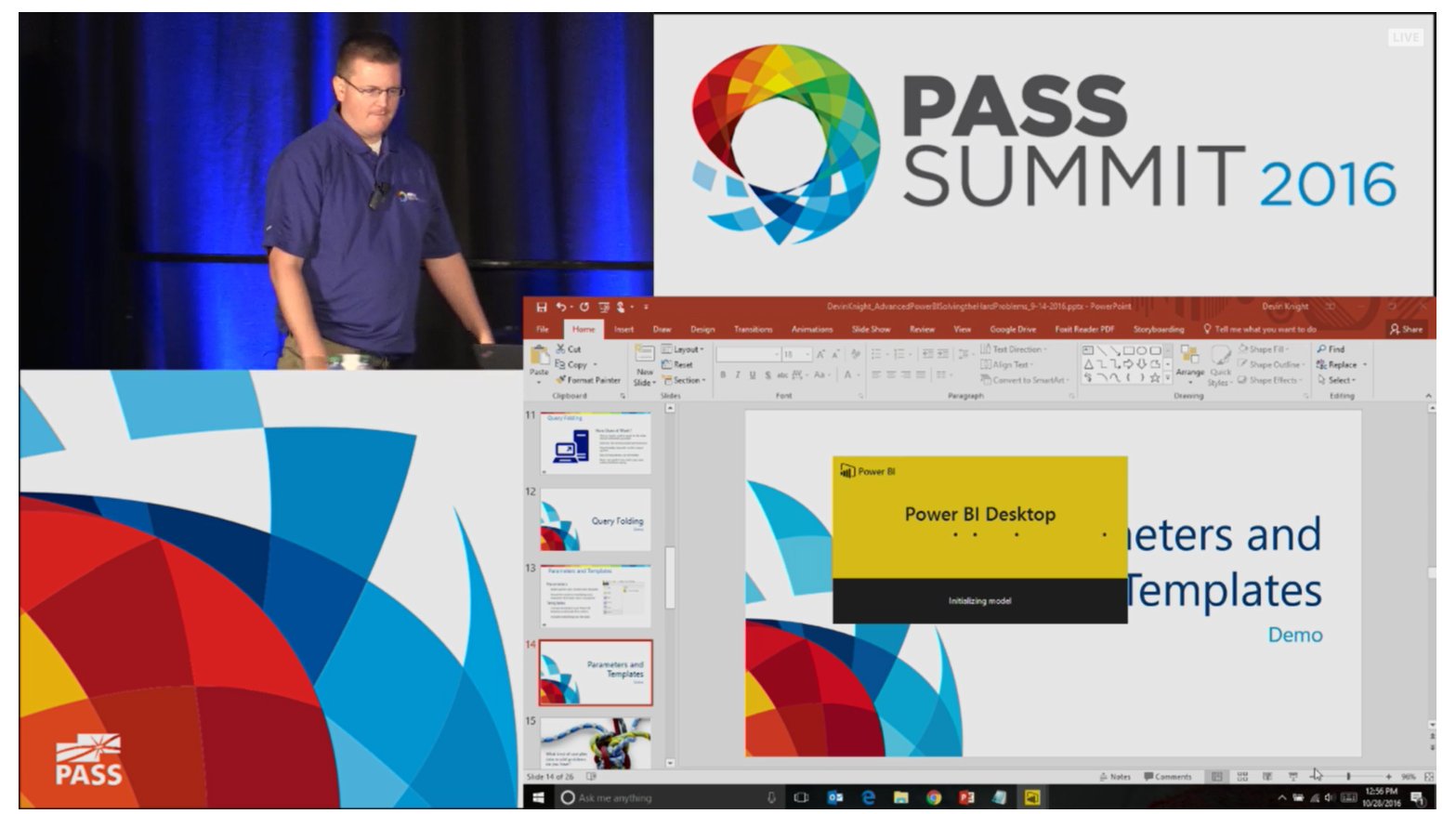
Devin Knight presenting Advanced PowerBI

Media preview

Community Zone

image

PASS Summit 2016-Thursday Part II

The second half of the day was spent talking with various speakers and attendees. I got into a great conversation about trying to mentor developers at work places about how to write good T-SQL. It was interesting to here how some developers (or DBAs) are not open to new ways to write T-SQL like using CTEs or proper join syntax.

image

I meet Lance from the program committee and discussed the difficultly of having 800+ submissions and only about 140 slots for those submissions. To make sure you get a wide range of topics and not covering too little or too many of the same topic is not always easy. They do a great job with the volunteers to make sure Summit is a great learning opportunity for all.

I also saw a new posting on SQLServerCentral.Com about learning SQL Server 2016. Try this Link - http://www.sqlservercentral.com/articles/SQL+Server+2016/127518/.

image

The only session I attended was on learning how to price and scale an Azure SQL Server Data Warehouse. So, now I understand DWUs and pricing is 3 fold: DWUs, Storage and GEO DR. It can be expensive, but you get Massive Parallel Processing in the cloud and easier scaling up or down the usage.image

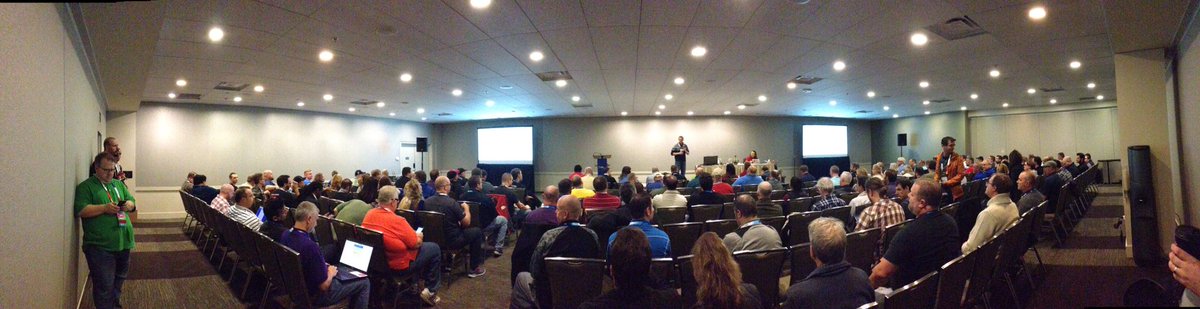
The last 2 session time slots was spent co-presenting with Bill Anton on Performance Tuning Analysis Services. It was well attended but in a large room. There was about 2/3 of the people returning after the break for the 3 hour session. Bill did a great job getting people started with Profiler, PerfMon and some free tools and scripts. Lots of questions and even a Microsoft developer helping us answer questions. Thanks Microsoft.

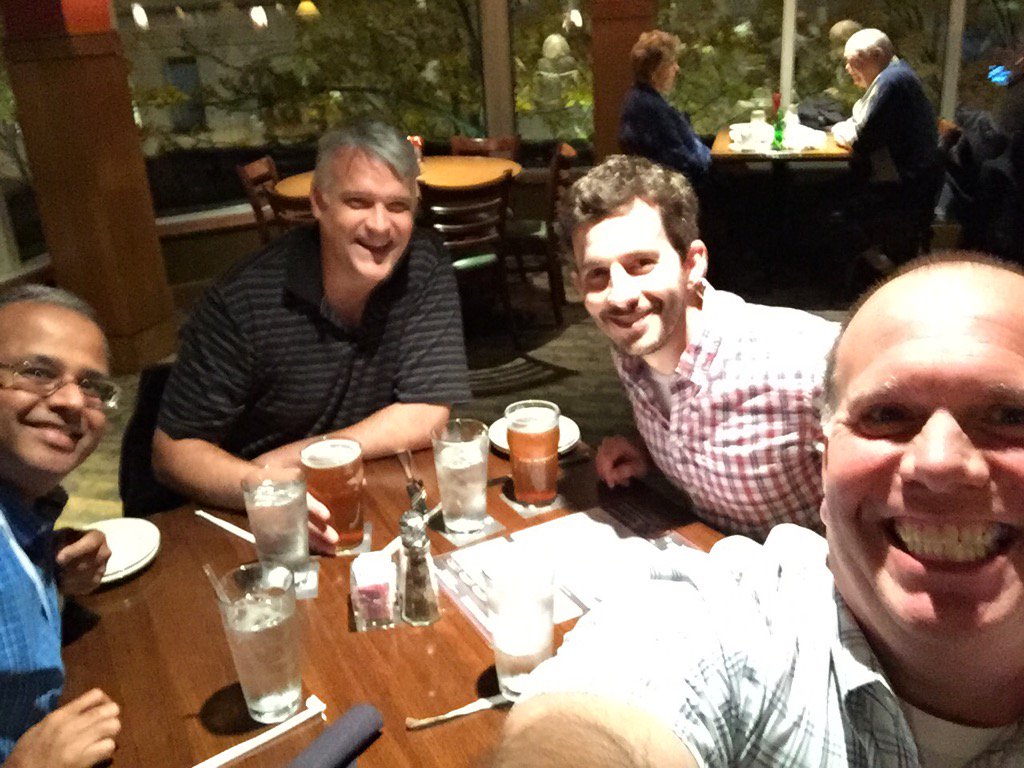
Last stop of the day was dinner with some great guys from Atlanta at Rock Bottom. They went to a BIML party, I went to bed. Smile

Thursday, October 27, 2016

PASS Summit 2016-Thursday Part 1

Today’s keynote was by David Dewitt. He did an excellent job explaining the architecture behind various Cloud Data Warehouse offerings. It was nice to get an explanation of the behind the scenes node and disk usage.

   image

One announcement that caught me off guard was next year’s Summit is Oct 31 thru Nov 3. That is Halloween and my kids come first on that day. Not sure that was a good idea. Better information shared was an increase in revenue of 10%, plus 100%+ increase in Global membership in some areas. There is a new logo and the updated website will be released early next year. Denise provided some slides on what the website will look like including mobile friendly.

image

Next, I am going to meet up with Bill and attend a session on Azure DW.

PASS Summit 2016-Wednesday

Media preview

As all Summits, the first Regular Session day in Seattle started with the Keynote. Well, really it starts with a great breakfast at the Seattle Convention Center, but I digressed. Microsoft released information about new features for its Microsoft Data Platforms. The Keynote provided Customer specific examples of some of the newer features being used plus Program Managers demoing great examples of what is to come. For a summary, go to watch the PASStv Recap. A feature I am looking forward to seeing in action is Analysis Services in the cloud.

Congratulations to Malathi Mahadevan as PASS Outstanding Volunteer of the Year. She is a great representative of the PASS community and people love her service and passion.

image

The Summit is an amazing trip.Wednesday, I spent time with Bill Anton rehearsing a 3 hour Analysis Service Performance Tuning session for Thursday he has put together. His knowledge of this subject is top tier so I learned a lot. I spent time in the Speaker Ready talking and practicing for a session on Excel Tips & Tricks With SSAS Cubes. This session takes all the technical work we IT people put together in a Cube and start to have some fun with it. What amazed me was half the people in the session (there was at least 100 attendees) were Cube builders. They were in the session to find out how people use cubes in Excel to develop better cubes. That is a lot of people still building cubes.

Before the Vendor Reception, I spent time after the Excel session talking to an attendee. He was very unique to me because he was not an IT person, but hired as a Financial/Accounting analyst. He was using data feeds from their hosted applications in PowerBI. It was difficult to explain to him the difference between a Cube, the Tabular Model, PowerPivot AND the modeling in PowerBI. Dimensional Modeling might be to advanced for him, he just wanted basic table design hints.

He was also concerned that there were not enough beginner T-SQL and database design sessions available for him at the Summit, so I spent time with him going through all the remaining session that were a fit for him plus vendors he should visit. He has never heard of Pluralsite or other online training like from PragmaticWorks. We exchanged business cards and wished each other a pleasant week as we walked past the Community Zone and into the Vender Reception.

Tuesday, October 25, 2016

PASS Summit 2016–Tuesday

For the first day at the Summit this year, I spent half my time in a Pre-Conference session with Idera as an outgoing Idera Ace. The session include a 45 minute presentation for me on a Customer Use-Case. The second half of the day was spent in #SQLPASS Community sessions.

The Customer Use-Case included screen captures of real-world diagnosis using Idera products. Diagnosis Manager provided most of the screens. I was able to show the forecasting reports for data file and table usage/growth. We were able to show a large table that indexes were occupying lots of space and investigated the Index Usage through Glenn Berry scripts on a historical level. Removing some large include indexes help alleviate the table growth in storage size.

image

The other slides were about Alerts/EMails, User T-SQL History, BI Manager and Free Tools like SQL Check and SQL Fragmentation Analyzer.

Media preview

The Community sessions were for #SQLSaturday and User Group/Virtual Chapters. The SQLSaturday session was a full house with many comments and questions. Money and Sponsorship was the hot topic. Growth is still being encouraged, but overall the session had a lot of good points with many thanks to such a great community event system. At the end, an emotional Karla talked about the end to her five reign as PASS Community leader for PASS. What a wonderful ending to the session!!! I won’t show any pictures of her crying (or Grant crying).

The User Group and Virtual Chapter session were a lot about speakers than money or sponsorship.

Truly amazed at the turn out and range of areas represented. I wonder how many User Groups use remote speakers and how often? Interesting discussion about getting a Microsoft TAM or related MS employee to help sponsor or host monthly meeting. You do not pay them but it helps them in their reviews/bonuses.

Ryan Adam announces new features in SQLPass hosted user group pages. There will be an option to send out event notifications for email, twitter, Facebook, LinkedIn, Matchup and other social media at one place, not manually doing many. Cheers from the crowd!!!

The evening end with a bite to eat at Welcome Reception and visiting with new and old friends, too many to list.

Thursday, October 6, 2016

VOTE!!! PASS Board of Director Elections

It is voting season again, and there is a great group of individuals running for the Board of Directors of PASS. You can go to the Elections Page of the SQLPass.org site and review all the information about the elections. Logging into the site will enable you to vote.

As part of the Nomination Committee this year, I got to be apart of the process to help PASS Connect, Share and Learn. Hearing the candidates talk about PASS and the future is very encouraging. Also, watching Headquarters (HQ) put everything together and keep the process rolling was something I never thought about before being on the NomCom. HQ does more than I ever imagined.

To find out more about the candidates, you can go to this page - http://www.sqlpass.org/Elections/Candidates.aspx. There is also still time to go look at the twitter chats that happened in the last 24 hours. Just search in twitter for #SQLPass hash tag. You can also send them question and I am sure they will find time to answer you.

Also, remember the PASS Summit is in less than 3 weeks and I am execited to share with others about NomCom and what I have learned about the PASS organization.

PASS Summit 2016

Saturday, September 10, 2016

Live! 360–Speaking at SQL Server Live Orlando 2016

If you are looking for a great conference to attend, please look at Live! 360. This event combines 6 different areas of IT (including SQL Server) with some of the great experts presenting sessions for 5 days. The sessions are on December 5th thru the 9th in Orlando, FL at Royal Pacific Resort.

This is a link with a discount code for up to $500 dollars off - http://bit.ly/LSPK47_REG

Here are the three I am giving.

SQT07 New Performance Tuning and Security Features in SQL Server 2016

12/06/2016

2:00pm - 3:15pm

Level: Introductory to Intermediate

SQL Server 2016 has added and improved features to an already great product. To start, there is now a Query Store to retrieve history of a query's execution plan and statistics used for that plan. You can compare them to see the changes. You can also see the Execution Plans "Live" to see where a long running query is spending lots of time. You can also compare plans side-by-side, which should make DBAs or anyone that performance tune queries very happy.

From there, you'll go into some of the database design aspects of 2016 to improve table implementation. In-Memory has been half-baked in previous versions and now is enterprise ready with OLTP tables. The Column-store indexes include update-able clustered and non-clustered indexes. Temporal Tables remove the requirement of using triggers or custom code to find a point in time version of the data. You now can mask columns for limited viewing and casting of data to the end users by login permissions.

The T-SQL enhancements will help with better writing of set-based queries. The stretch database feature will assist in archiving data to the cloud with access in applications. Always Encrypted secures the database for abiding to regulations in health care and finance. The last feature will be row-level security, which has been a frequently requested option.

You will learn:

  • About T-SQL enhancements in SQL Server 2016
  • About Table design changes in SQL Server 2016
  • About Query Plan improvements in SQL Server 2016


SQW05 Master Data Management with Data Quality (DQS) and Master Data Services (MDS) in SQL Server 2016

12/07/2016

9:30am - 10:45am

Level: Intermediate

Is there data scattered all over your enterprise? Has your boss asked you to help your users create and manage one source of common data? Are there different spellings of values in the same column of a table? Can you use help from algorithms to find the best match? Is the Customer or Product table in multiple databases with different columns? Do you need help managing the Data Warehouse?

This session will jump into SQL Server 2016 with DQS and MDS. You use the Data Quality projects in Integration Services (SSIS) to rank values and help with misspelled data. You'll help your users manage the DQS projects giving them management access to data quality and moving that responsibility to the business where it should be.

Next, you'll use MDS to help consolidate dimensions scattered in multiple databases to form a true Conformed Dimension area. MDS will help your company move away from spreadsheets or flat files to manage critical information for analytics. These features were added to SQL Server in version 2012 and have been upgraded in 2014 and 2016 to help enterprises with the task of Master Data Management.

You will learn:

  • How to use Data Quality Services to cleanse data with DQS and SSIS
  • How to create a Master Data Management system with MDS in SQL Server 2016 to consolidate multiple data sources


SQW12 Improve Enterprise Reporting with SQL Server Analysis Services

12/07/2016

4:00pm - 5:15pm

Level: Intermediate

Have you been at a job where requests keep coming in for more and more reports? Does it seem like some are being used and other are not? Are some of the reports exactly the same except a different grouping or sorting request? Has your boss asked you to investigate a Business Intelligence or Data Warehouse solution? Well, it might be time to start using SQL Server 2016 Analysis Services.

Dimensional Modeling is one of the best starts for designing a system with flexible reporting. The database model fits perfectly into Analysis Service (SSAS) databases from Microsoft. There will be a use case for 3 fact tables to create various data marts. We will demonstrate a Multidimensional Cube and the Tabular Model to help you make the decision of which installation to use. Excel and PowerBI will be the focus for reporting.